
​Microsoft starts removing Copilot buttons from Windows 11 apps 

​Microsoft starts removing Copilot buttons from Windows 11 apps 

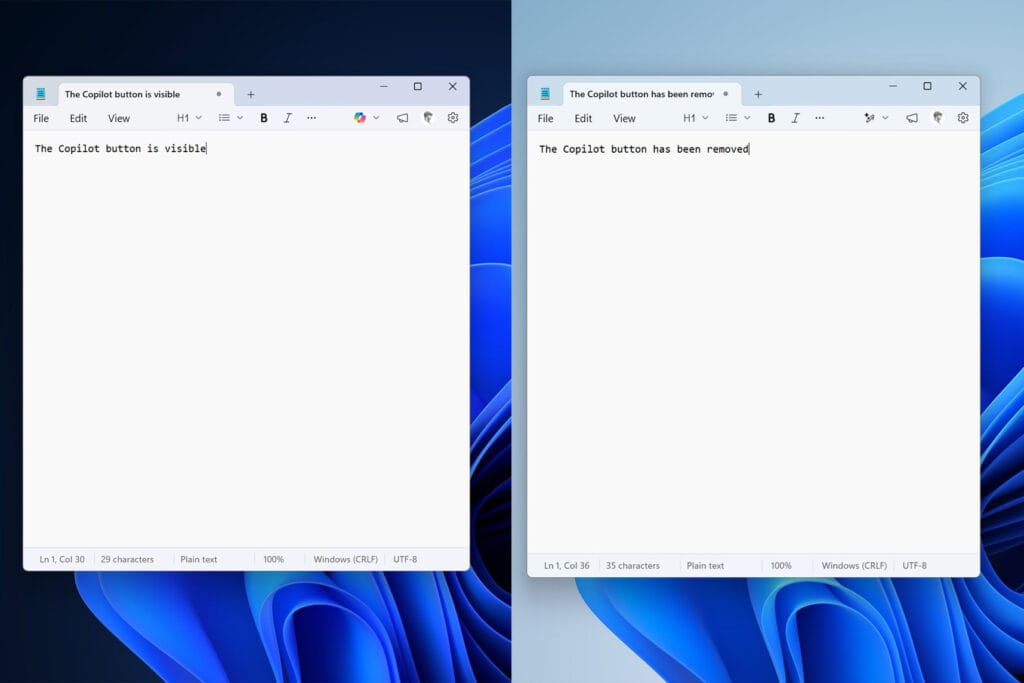
Microsoft is starting to remove “unnecessary” Copilot buttons from its Windows 11 apps. In the latest version of the Notepad app for Windows Insiders, Microsoft has removed the Copilot button in favor of a “writing tools” menu. The Copilot button in the Snipping Tool app also no longer appears when you select an area to capture.

The change is part of “reducing unnecessary Copilot entry points, starting with apps like Snipping Tool, Photos, Widgets and Notepad,” that Microsoft promised to complete as part of its broader plan to fix Windows 11. While Copilot buttons are being removed, it looks like the underlying AI features are here to stay, …

Read the full story at The Verge.

 

Leave a Reply

Your email address will not be published. Required fields are marked *

You might also like...

​YouTube Premium is getting pricier 

​YouTube Premium is getting pricier 

​ YouTube Premium is getting more expensive in the US, with prices rising by $2…

​Gen Z’s love-hate relationship with AI 

​Gen Z’s love-hate relationship with AI 

​ Gen Z is increasingly disillusioned with AI – just not enough to stop using…

​Microsoft starts removing Copilot buttons from Windows 11 apps 

​Microsoft starts removing Copilot buttons from Windows 11 apps 

​ Microsoft is starting to remove “unnecessary” Copilot buttons from its Windows 11 apps. In…